


If you use an Android phone, Google can help you. Many a times, the phone shows you ‘Forgot Password’ or ‘Forgot Pattern’ option after repeatedly entering wrong password.
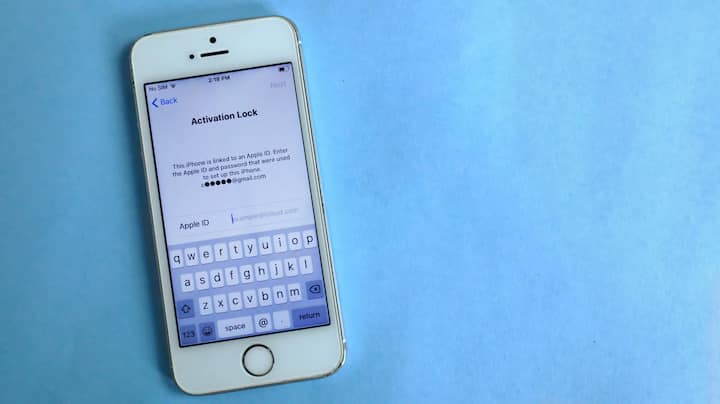
By clicking this option, you can reset the phone through your Google account. Just login with the Gmail ID that was already associated with your phone.

After login the phone will be factory reset and then you can setup it like a new device. Remember, your old data may be deleted in this process, so it is important to have a backup.

If the Find My Device feature is enabled on the phone, you can unlock or hard reset your phone from another smartphone or laptop.

Just go to the website, login your account and choose Erase Device option. This will reset the password and restart the phone.
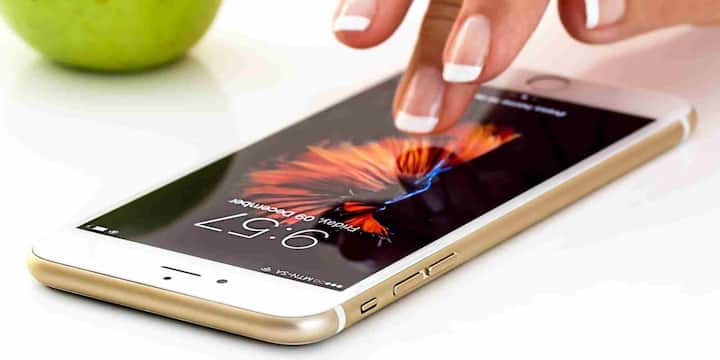
Don’t panic if your iPhone is having problems and you forgot the passcode. Apple’s Find My iPhone feature will help you. Open iCloud.com on another device and sign in with your Apple ID. Here select your iPhone in ‘All Devices’ and click on Erase iPhone. This will unlock your phone and you can set it with a new passcode.
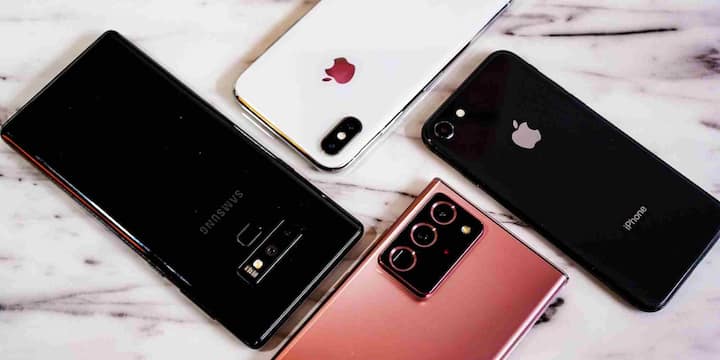
Some people use unlock tools through computers. Many phone brands provide their official PC software apps through which you can reset the phone. This procedure is a little technical, but does not require a visit to the service center.

To avoid such problems in the future, it is important to write down the password and keep it somewhere safe or use Google Password Manager. Also, make sure to set options like OTP based backup unlock, fingerprint and face unlock.
Published at : 03 Dec 2025 04:47 PM (IST)
Tags:
Smartphone Tips Phone Password
Learn More Gadgets
See more